

Vibe-Coding for Designers
Today, any designer can already create prototypes with AI.
But how do you use AI to build and ship real features to your users?
I spent 6 months and $2500 on tokens building my product using Cursor, Replit, and Lovable.
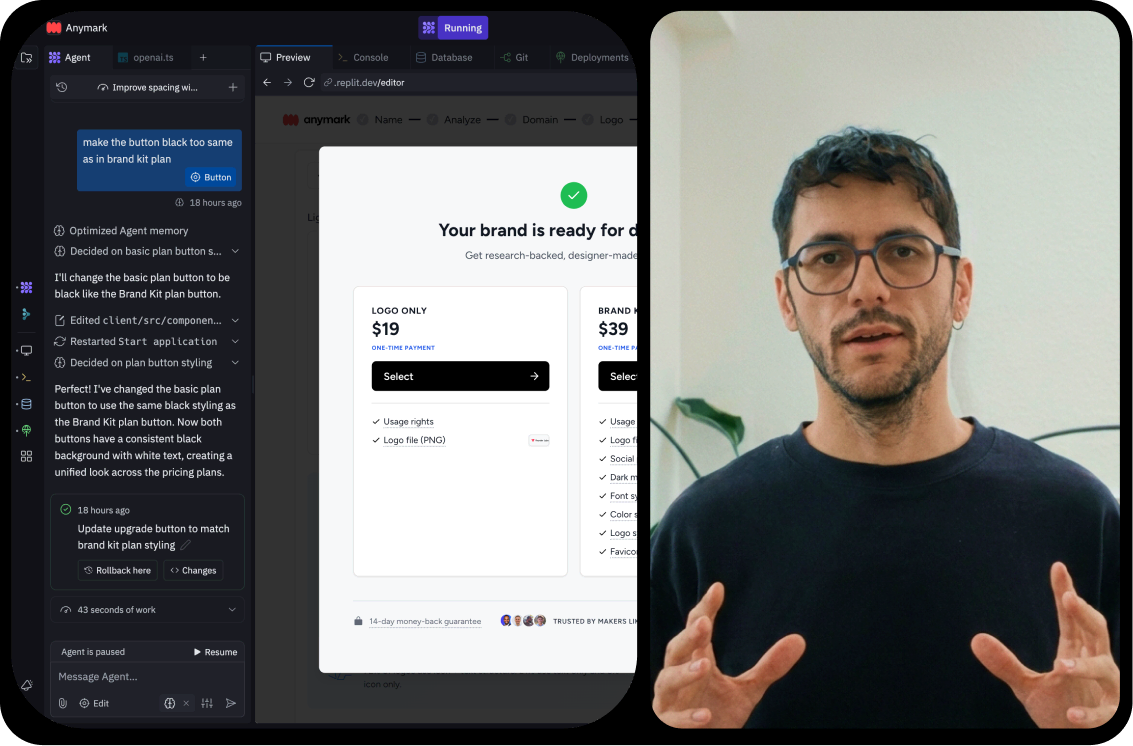
I've recorded my screen while building and shipping real features in a real product with paying customers using AI.
Recorded in Jan 2026
What will you learn from this mini-course?
- Become more technical — Learn how to ship features end-to-end to increase your impact and make you more valuable to companies.
-
 Build real products and features — Test ideas faster and ship them without developers. Understand how products actually work.
-
 Keep up with AI — See how products are being built in 2026. This might be how your workflow will look in just a few months.
- Save costs — Learn the setup to balance convenience and costs, saving up to 10x in AI token costs and avoiding expensive mistakes.
Become a more technical designer
Setup and tools — Learn what tools and workflows I use to build products with AI.
25 min
- Infrastructure setup
- Replit vs. Cursor vs. Lovable vs. Others
- Cursor setup and Replit integration
- Cursor for non-dev tasks
- Leveraging Cursor modes
- Running multiple agents
- Handling context window limits
Technical building blocks — Understand how real products work under the hood.
51 min
- Product and technical walk-through
- APIs: OpenAI, The Noun Project
- Database & data management
- Git & version control
- Debugging techniques
- Performance optimization

Building Feature 1 — Watch me build a new feature in an existing product.
23 min (edited from 2h development time)
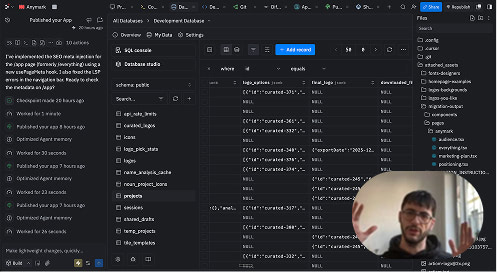
Building Feature 2 — Building another feature in an existing codebase.
22 min (edited from 2.5h development time)
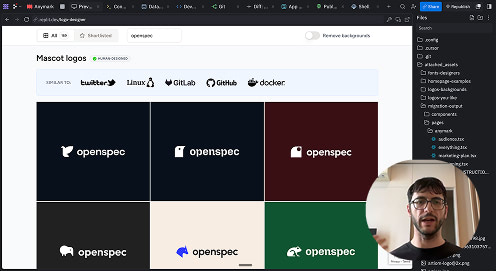

In this mini-course I use Cursor and Replit. However, you will learn principles that you can apply with Claude Code and others.
All purchases include a FREE 1-year plan for Magic Patterns ($180 value)
What's the catch?
No catch at all. Magic Patterns wants to reach more designers and get them to try their product, so they're offering a full 1-year membership. I've partnered with them to include this with every eligible purchase.
For how long is this offer valid?
The supply is limited, so this offer will end once I run out of codes. If you are seeing this section, codes are still available.
How do I redeem my offer or my code?
After your purchase, you'll receive a separate email with your code and instructions on how to redeem it. You will need to apply your code in your Magic Patterns account for the annual plan worth $180.
When does my free year start?
The free year only starts once you go to the Magic Patterns website and redeem the offer there, not when you purchase this course or receive your code.
Who can get the deal?
You can get the free year only if you never paid for Magic Patterns before (monthly or yearly). You also can't get the same offer twice.
What do I do if I have a question?
Please contact me via email.

About the author


Buy now
- Become more technical
- Learn a new AI-workflow
- Lower AI costs up to 10x
- Learn to ship real features
- Up-to-date content (Jan 2026)

FAQ
-
When can I have access?
You'll receive an email with an invitation to create an account on Podia. This is where you can access the rest of the materials and track your progress. If you do not receive the email, please check your Promotions and Spam folders. If you still can't find it, visit this page to reset your password. If the issue persists, please contact me via email. -
Do I need this course if I'm completely new to vibe coding?
If you've never used Replit, Lovable, v0, Bolt, and other tools, the best thing you can do is just open one of them and start building.
This course shows my setup for building products and not just prototypes (however, it also can be used for prototypes), how you can save 10x on costs, and how I approach features in already existing products.
-
What level of technical depth does this course cover?
This mini-course introduces you to the main technical building blocks—APIs, databases, production vs development modes, agents, running multiple agents, and more. It provides just enough information to get you building.
The beauty of vibe coding is that you can always ask AI agents to walk you through or explain any concept in more depth. However, you first need to understand what these building blocks are and how they work at a high level, because you won't know what to ask if you don't understand the fundamentals.
-
What is this course not about?
This course is not about design systems, visual UI design, and Figma MCPs. It is less focused on visual design and more on functionality. -
Do you have a money back guarantee policy?
Yes. I offer a money-back guarantee for the digital products available on the website (eBooks, videos and bonus materials). I believe you'll find substantial value in these resources. However, if for any reason you feel otherwise, just contact me via email within 30 days of your purchase, and I'll refund you.